Voice enhancer: Remove Background Noise from Video, Audio and Podcast
Explore speech clarity for audio and video recordings—from podcasts and tutorials to lessons, vocal demos and spoken clips.
More Tools
AI Voice Enhancer Use Cases by Recording Type
Match your voice-enhancement approach to the recording, its audience and how much speech it contains.
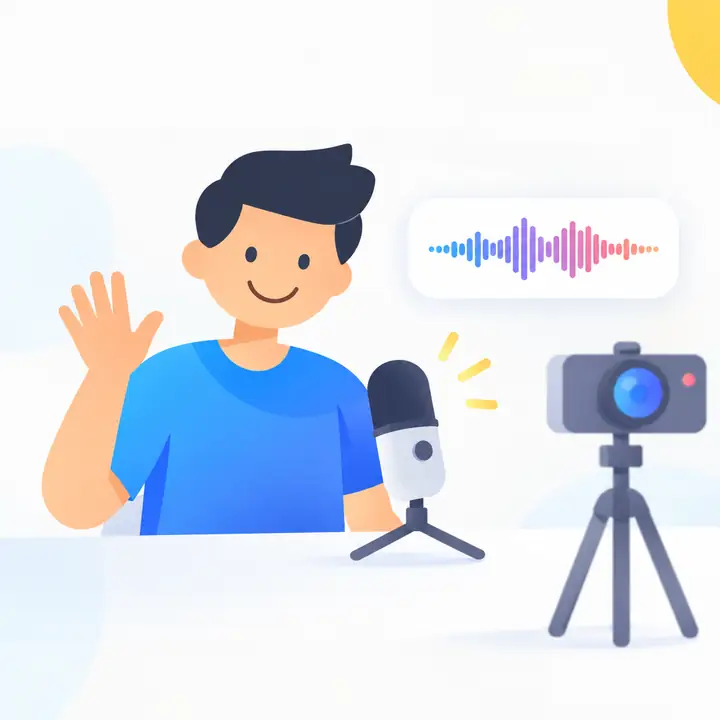
Video Creator
Review narration in tutorials, reaction clips and product demos so spoken instructions remain easy to follow.
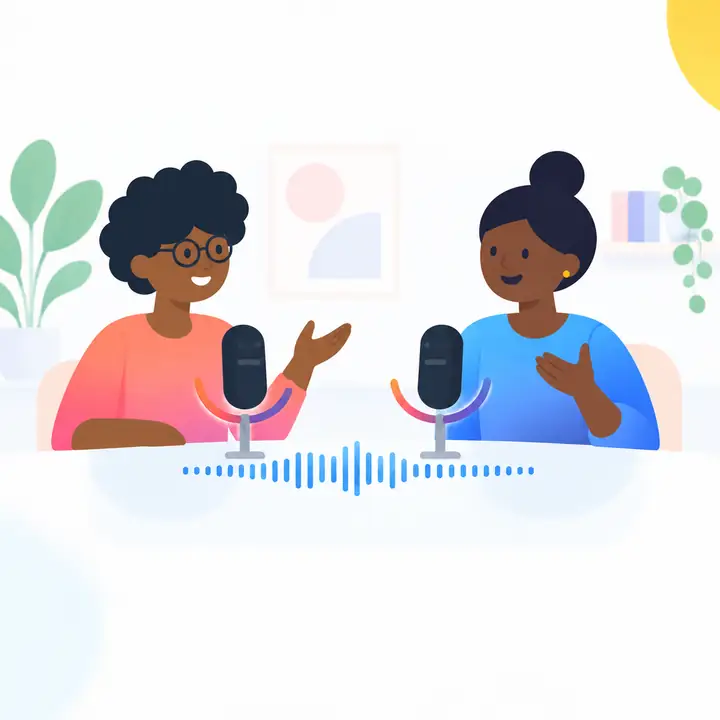
Podcast Host
Check episodes with room noise or uneven speaking levels before deciding whether the conversation is ready to publish.
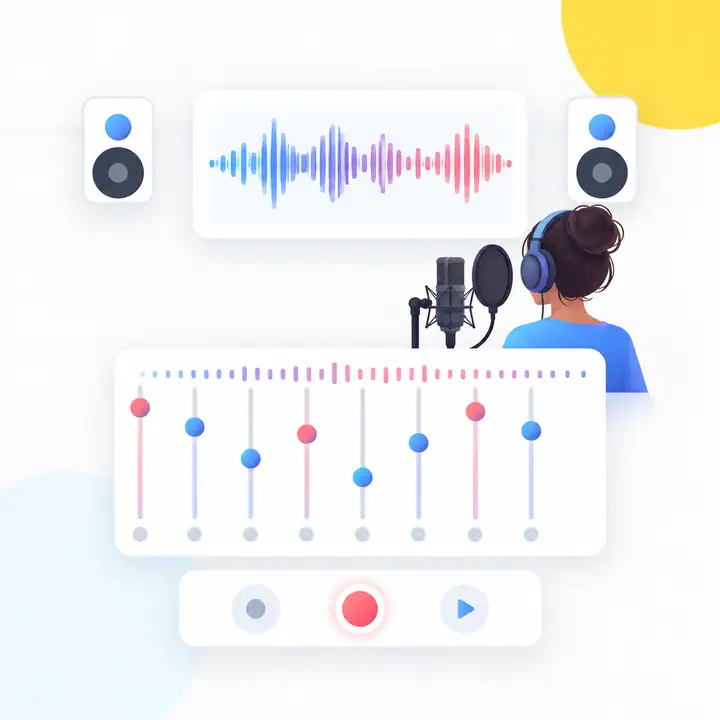
Vocal and Audio Producer
Assess vocal takes, demos and song ideas when you want the voice to sit more clearly within the recording.
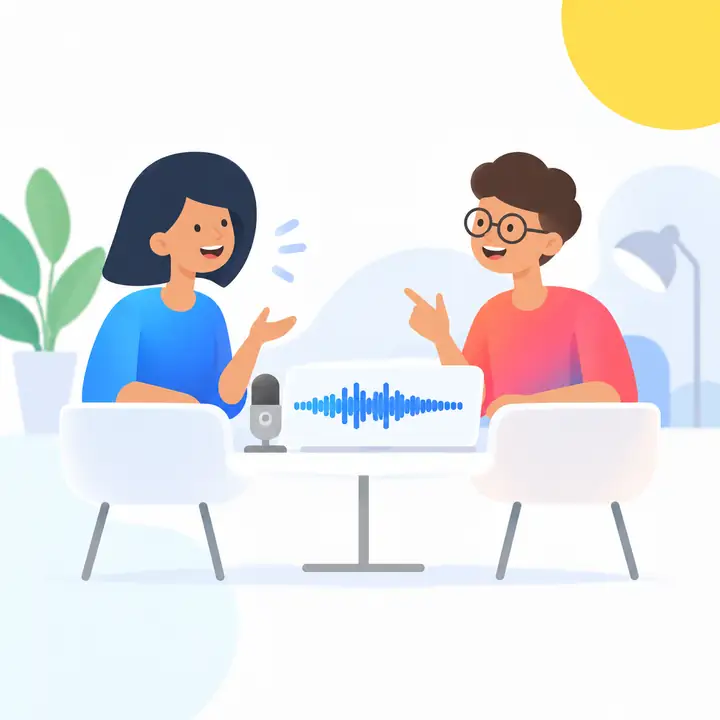
Marketing Video Producer
Listen closely to speech in ads, explainers and social clips before changing an otherwise finished edit.
Course Instructor
Make the explanation—not the recording conditions—the focus when reviewing lessons and lectures.
How to Enhance Your Audio & Video with AI Voice Enhancer

Upload Your File
Begin with your podcast, spoken audio or video recording in the voice workspace.

Improve Speech Clarity
Consider what distracts from the words, then compare any revised voice with the source.

Save the Reviewed Result
Listen before using the result in a video, podcast, lesson or social post.
AI Voice Enhancement for Audio and Video Files
Keep the focus on speech while considering the wider audio and video workflow.
Remove Background Noise Instantly
For recordings with unwanted background sound, a speech-focused review helps you judge whether words stand out more clearly.
Explore voice tools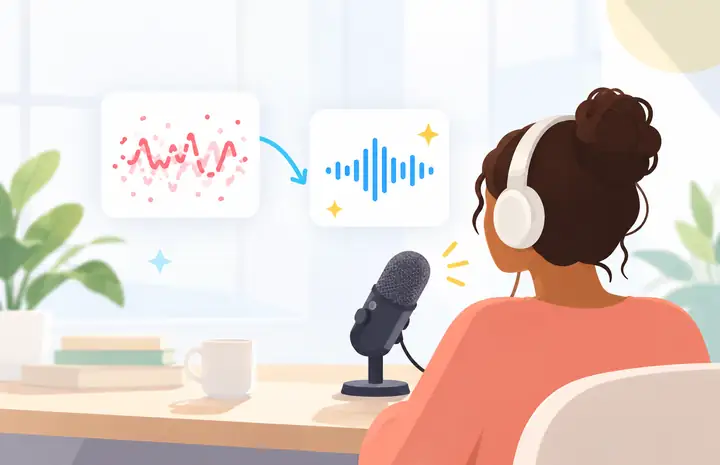
Improve Voice Clarity in Recordings
When speech sounds muffled, distant or uneven, compare it carefully with the original before using it in your project.
Explore voice tools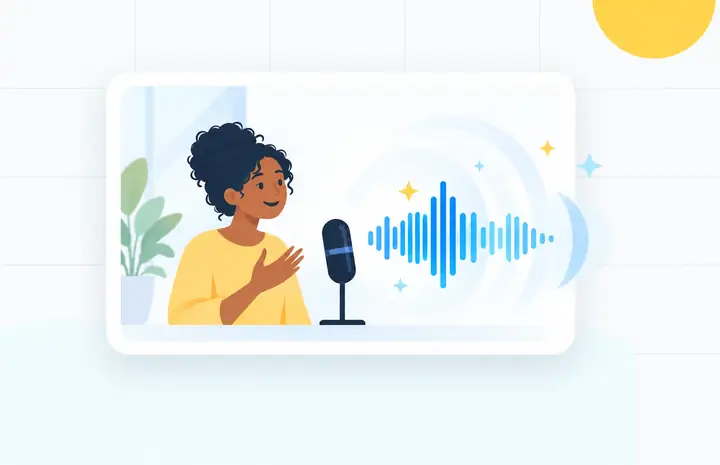
Support Audio and Video Uploads
Whether speech is part of an audio file or a video, review the voice in the context of the complete recording.
Explore voice tools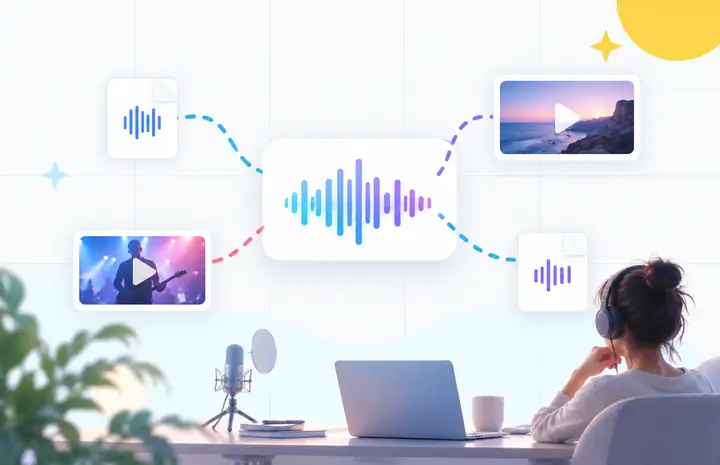
Explore Voice Enhancement Online
Bring your source recording to the audio workspace, choose the approach that fits and listen to the result.
Explore voice tools
Fit Voice, Music, and Speech Review
For vocal demos, lessons and creator videos, consider how changes to the voice affect the rest of the mix.
Explore voice tools
Why Choose a Speech-First AI Voice Enhancer for Audio & Video
Built Around Speech Clarity
Keep intelligibility, vocal presence and background distractions at the center of each decision.

Improve Voice Clarity for Any Project
Consider how clearly each word comes through in a tutorial, lecture or podcast episode.

Works with Audio and Video
Think about the voice alongside the picture, music and other sounds in your content.

A Straightforward Workflow
Start with the recording, identify what needs attention and review the change by listening.
Fit Voice, Music, and Speech
Judge whether a vocal adjustment works with music, room tone and the rest of the file.
Review Before Publishing
Compare the original and revised recording before placing it in a public project.
One Clearer Direction for Audio & Video Speech
Bring your recording to the workspace and explore what its voice needs.
Explore voice toolsVoice Enhancement Across Creative Workflows
In a conversation, check that each speaker stays understandable without making the recording sound unnatural.
Clear narration helps viewers follow instructions even when the visual demonstration is detailed.
Review each explanation from a listener’s perspective, especially words that carry the lesson.
Listen for distractions around the vocal while keeping its character and place in the mix.
Check that the spoken message cuts through on the devices where viewers will actually watch.
Compare voices across speakers before deciding that an interview is ready for its audience.
Frequently Asked Questions
How do I enhance my voice?
Start with the best source recording available. Identify what makes the speech hard to follow, explore a suitable voice tool and compare its result with the original.
Can audio enhancers improve voice clarity?
They may help when noise, uneven levels or weak vocal presence distract from speech. The source recording still matters, so always listen to the result.
What does a voice enhancer do to the audio?
Voice enhancement is a broad term for processing intended to make speech easier to hear, which may include reducing distractions or adjusting vocal balance.
Which EQ moves help a voice sound clearer?
The useful adjustment depends on the voice and recording. Make small changes, compare at the same listening level and avoid removing the voice’s natural character.
What audio formats are supported?
Supported formats depend on the workspace you choose. Check its upload options before preparing or converting your recording.
How long does it take to enhance audio online?
Processing time varies with the recording length, file size and tool. Allow time to listen to the finished result as well as to process it.
Can I improve podcast audio with a voice enhancer?
A podcast is a common speech-first use case. Review each speaker, room noise and overall loudness before publishing the episode.
Will my files be safe when using an online voice enhancer?
Read the destination workspace’s current privacy and file-handling information before uploading private or sensitive recordings.
Can I enhance MP3 files specifically?
Check the destination workspace’s supported uploads. If you have the original, higher-quality source recording, consider using that for review.
What should I check before downloading the enhanced file?
Compare it with the source. Listen for clear words, natural voice tone, appropriate levels and any changes to music or background sound.